
Your journey
From sign-up to
a paid invoice
One app for the whole job. Your crew captures on their phones, AI drafts the scope and equipment, and the Invoice Backup Package goes to the adjuster as a link.
Set up in minutes · Capture on site · Get paid
RocketPlan | rocketplan.ai
Sample job for illustration
Where the journey ends
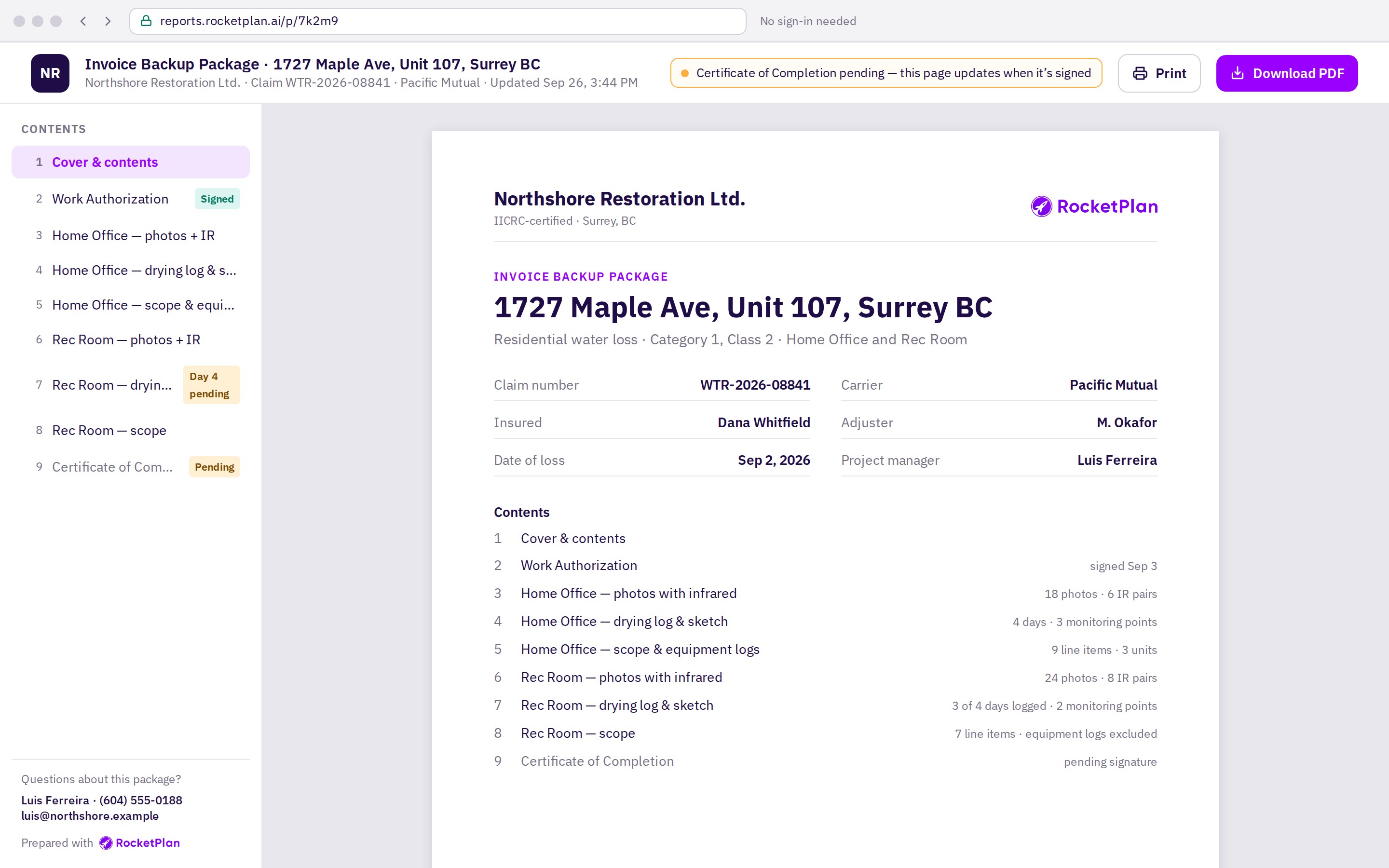
One link with everything the adjuster needs
The Invoice Backup Package is built from what your crew captured on site. Nothing is re-typed at the office.
Photos and IR, side by side
By unit and room
Drying logs
Every reading, every day
Sketch
Floor plan with measurements
Scope of work
Each line tied to its photo
Equipment Logs
Units, days, unit-days
Work Authorization
Signed before day one
Certificate of Completion
Signed at the end
Sent as a link
Or as a PDF, your choice
Organized by project, unit and room, with the project, loss and customer details up front.
The journey
A few easy steps from sign-up to getting paid
Set up
Minutes, from the office or the truck
Sign up and invite your crew
Create the job
Capture job info and rooms
Work authorization signed
Deductible collected
On site
Phone in hand, room by room
Scan for damage: photos and IR
Atmospheric and moisture readings
Scope, drafted by AI, confirmed by you
Equipment placed and logged
Get paid
The day the job is done
Invoice Backup Package sent as a link
Set-up and authorization happen once per job, before the first fan is placed. On-site capture repeats each visit until the job is dry.
Set up
Sign up in minutes
You
Download RocketPlan from the App Store, create your company and invite your crew by text.
RocketPlan
Sets up your account and puts your company name and logo on every report from here on.
You walk away with
Your whole team in one place, the same morning.
On the sample job
Northshore Restoration signs up Monday morning. Project manager Luis Ferreira and two technicians are in before the first call comes in.
Set up
Authorize
On site
Get paid
Set up
Create the job
You
Enter the address, customer, claim number, carrier and adjuster, and the loss date and type.
RocketPlan
Opens the job file. Everything captured from now on lands under it, by unit and room.
You walk away with
One job file your crew, your office and the adjuster all see.
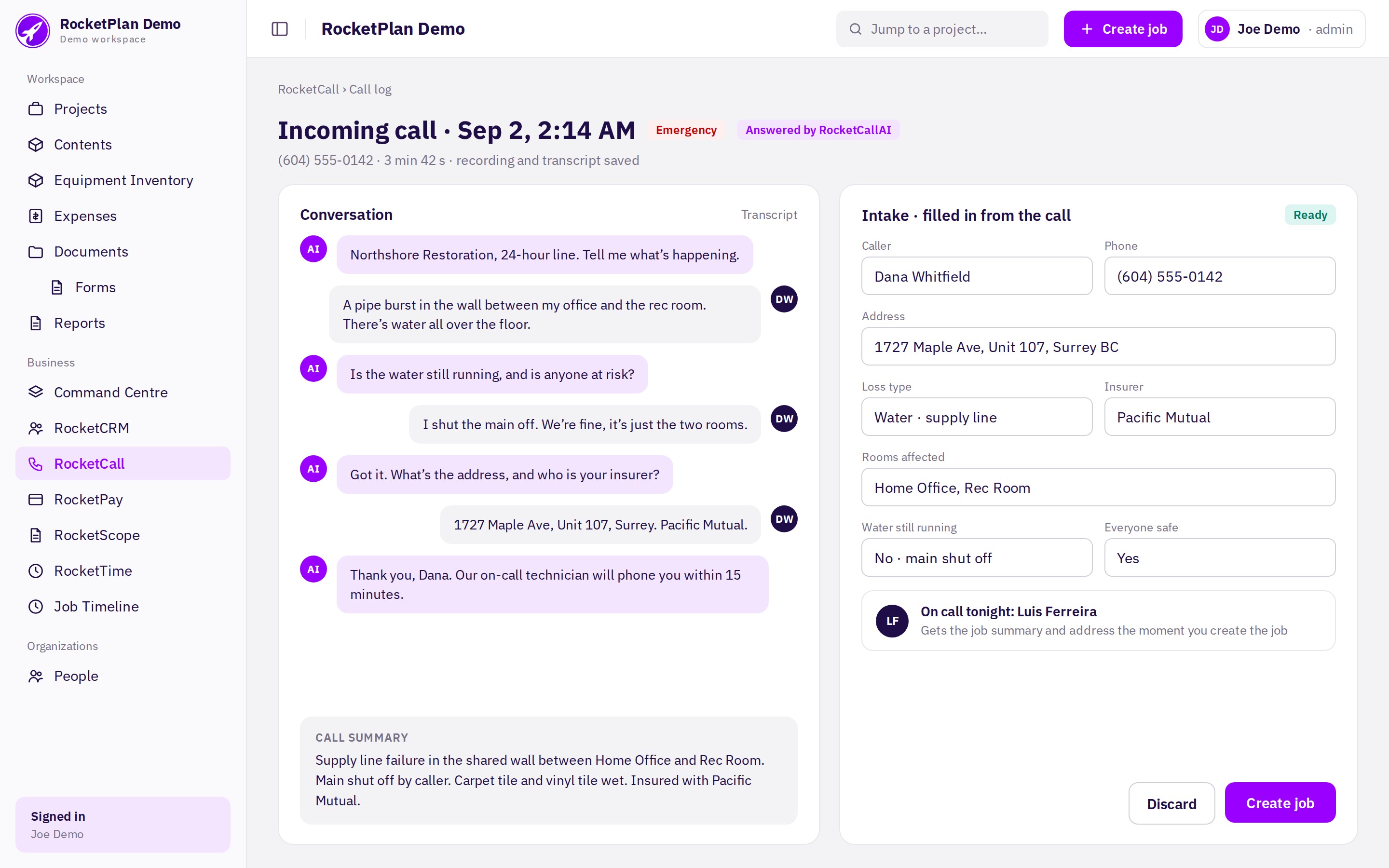
The sample job: Dana Whitfield, 1727 Maple Ave Unit 107, claim WTR-2026-08841 with Pacific Mutual.
Set up
Authorize
On site
Get paid
Set up
Capture the job info
You
Add the affected units and rooms, flooring and the affected walls, and measure each room in RocketSketch.
RocketPlan
Draws the floor plan with wall lengths and keeps a room checklist so nothing gets skipped on site.
You walk away with
A sketch and room list the scope and equipment are built on.
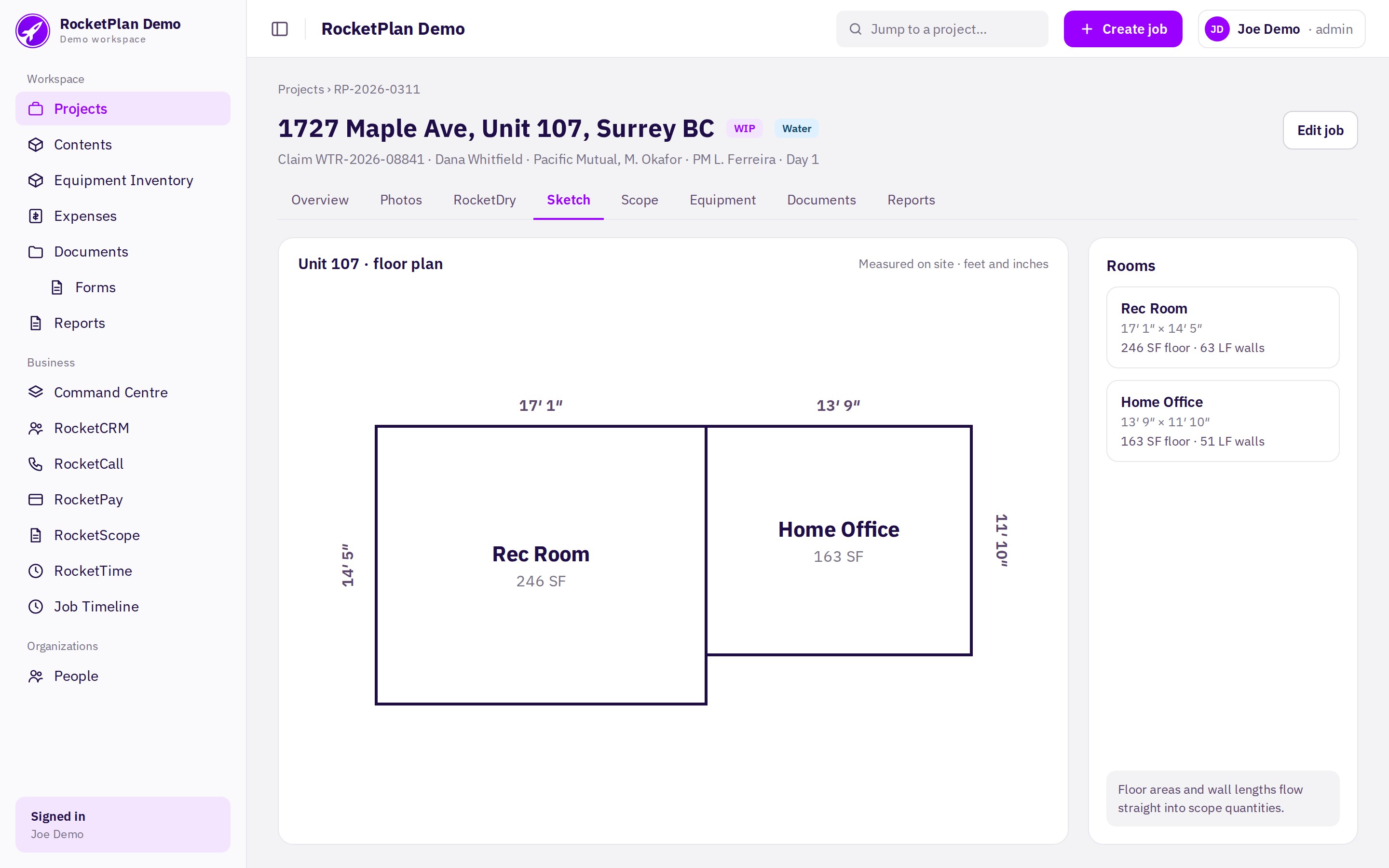
Home Office 13′ 9″ × 11′ 10″ and Rec Room 17′ 1″ × 14′ 5″, sharing the wall where the supply line failed.
Set up
Authorize
On site
Get paid
Authorize
Get the work authorization signed
You
Send the Work Authorization from the job. The customer signs on their phone.
RocketPlan
Emails it with a one-time code and e-consent, seals the audit trail and files the signed copy in the job.
You walk away with
Authorization in hand before the first fan is placed.
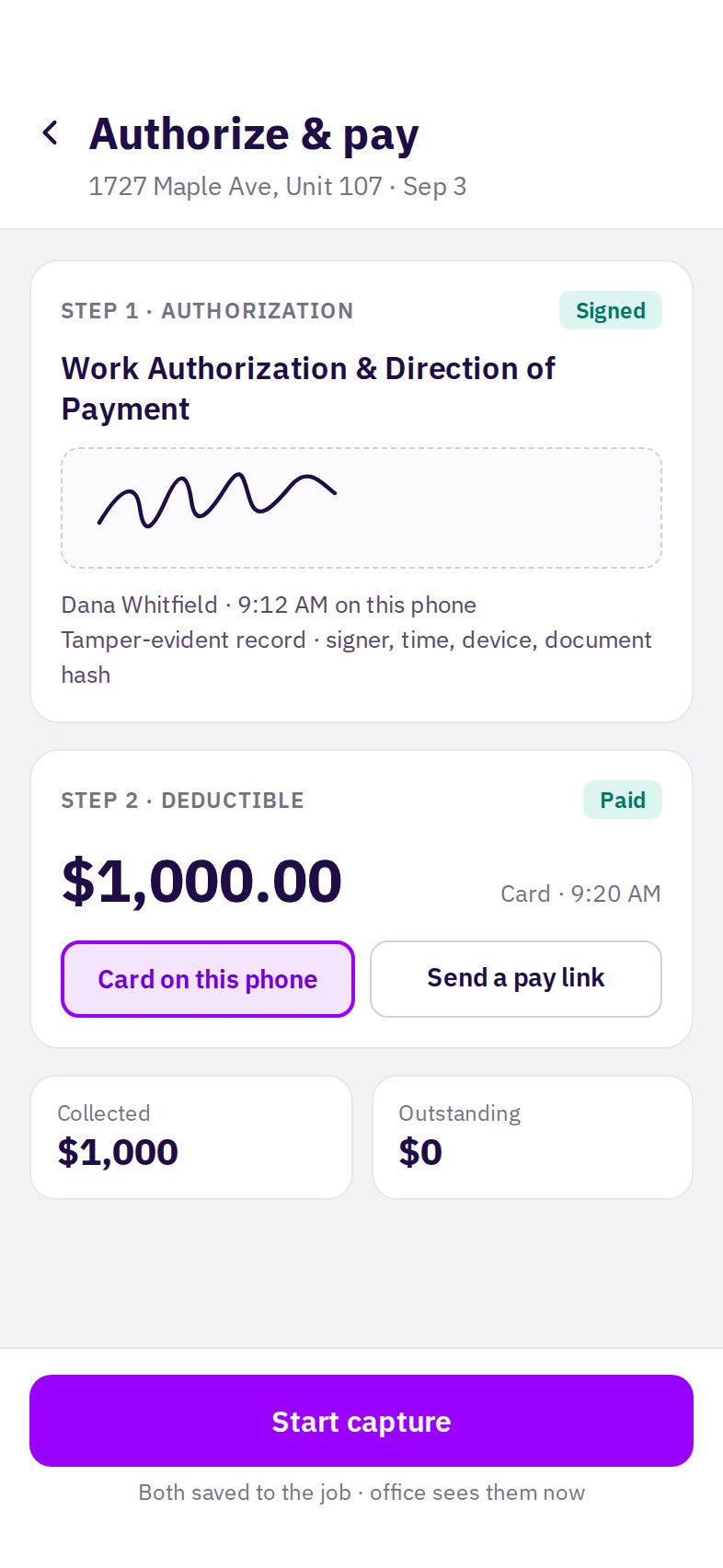
Signed on September 3, the day the crew arrives. Signer, time, device and document hash stay with the job.
Set up
Authorize
On site
Get paid
Authorize
Collect the deductible
You
Request the deductible from the job with RocketPay. The customer pays by card on your phone or from a pay link.
RocketPlan
Records the payment against the job, shows collected and outstanding, and sends the customer a receipt.
You walk away with
The deductible in the bank on day one, not chased at the end.
RocketPay activation and approval requirements apply.
Card on the phone or a pay link. On the sample job the $1,000 deductible is paid at 9:20, eight minutes after the signature, and the office sees it at once.
Set up
Authorize
On site
Get paid
On site
Scan for damage: photos and IR
You
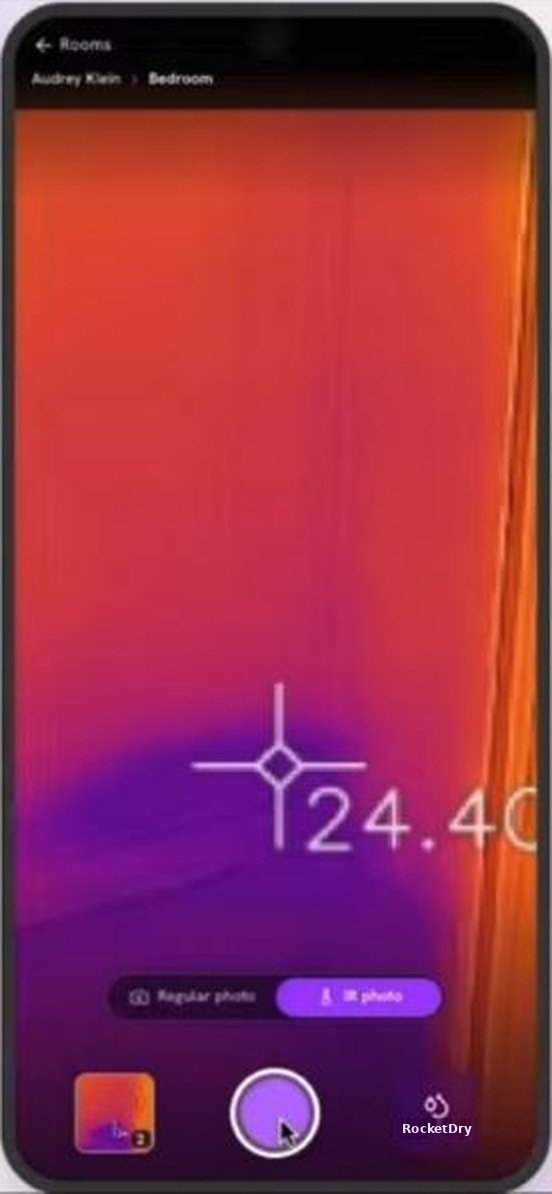
Walk each room with your phone and a FLIR camera. Shoot photos and thermal shots of every affected surface in RocketScan.
RocketPlan
Tags every shot to its room, pairs each photo with its thermal image side by side, and syncs when you are back in signal.
You walk away with
The evidence adjusters ask for, labelled, before you leave the site.
Regular photo, then the thermal view of the same spot. 42 photos and 14 thermal pairs on the sample job.
Set up
Authorize
On site
Get paid
On site
Log atmospheric and moisture readings
You
Each visit, log temperature, humidity and moisture in RocketDry. A photo of the meter travels with every reading.
RocketPlan
Builds the drying log per room per day, flags a missed day, and shows when each room reaches dry standard.
You walk away with
Proof of drying nobody can argue with.
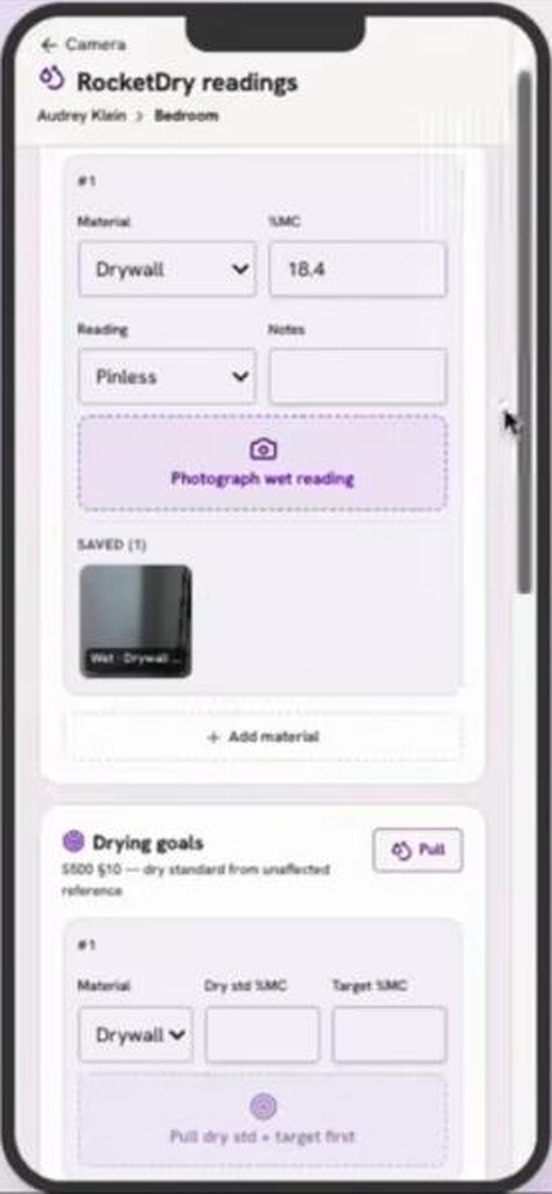
Material, reading, meter photo and the drying goal on one screen. On the sample job the Home Office reaches dry standard on September 6, day 4; the Rec Room's missing day-4 reading is flagged in the package.
Set up
Authorize
On site
Get paid
On site
Scope, drafted by AI, confirmed by you
You
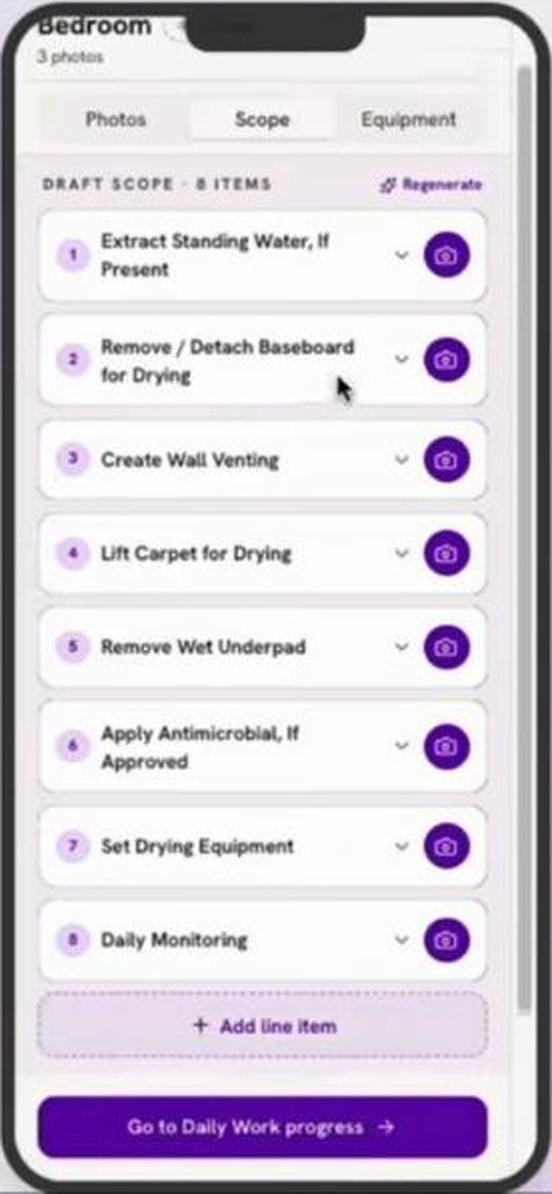
Tap Generate in RocketScope AI. Review each line, adjust a quantity if needed, confirm.
RocketPlan
Drafts the scope from your photos, thermal images and readings, with the source photo on every line and quantities in SF, LF and EA.
You walk away with
A scope written on site, not at the desk that night.
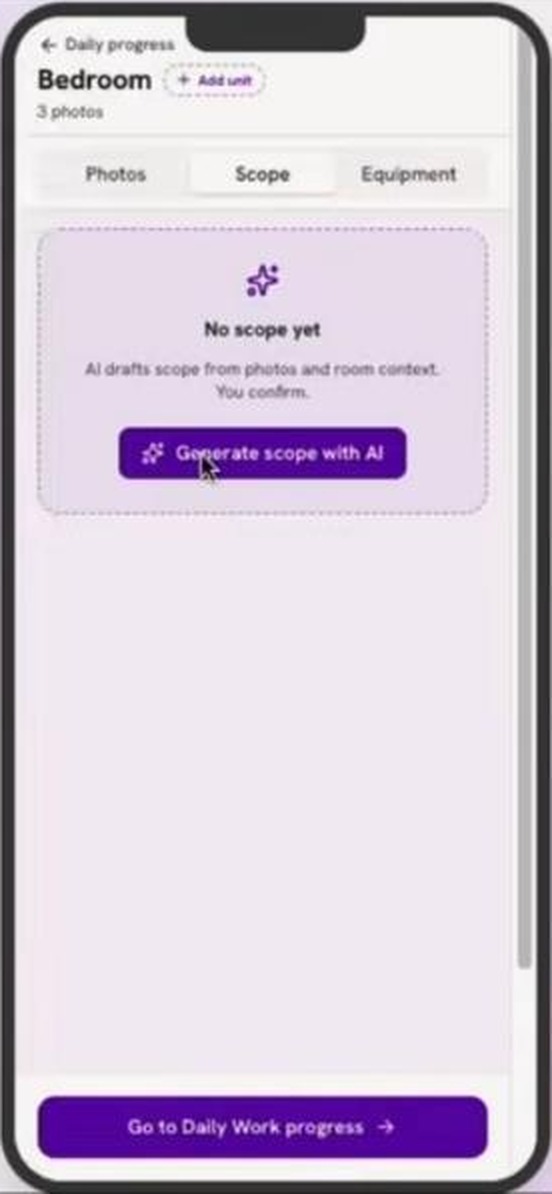
One tap, then a draft scope to confirm line by line. 16 lines across the two sample rooms.
Set up
Authorize
On site
Get paid
On site
Place and log the equipment
You
Confirm the equipment RocketEquipmentAI suggests for each room, then log placement and pickup as you go.
RocketPlan
Keeps the Equipment Logs: units, days on site and unit-days, for the job and for each room.
You walk away with
Every unit-day billable and backed up.
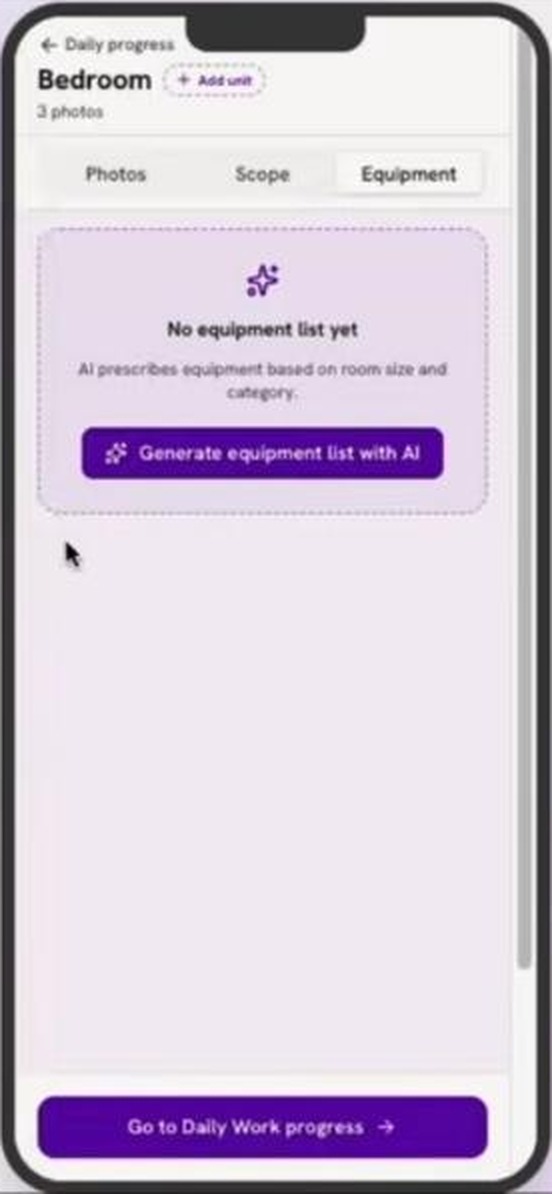
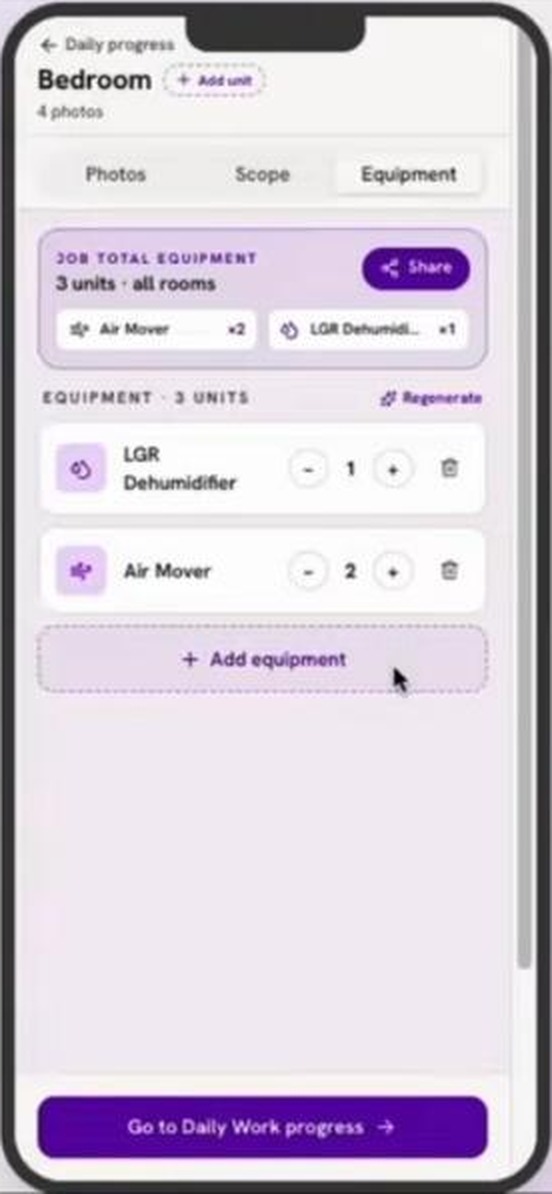
One tap, then a list to adjust and share. 5 units, 4 days each, 20 unit-days on the sample job.
Set up
Authorize
On site
Get paid
Get paid
Send the Invoice Backup Package
You
Pick Invoice Backup Package. Every component is already in. Untick anything you do not want, then send.
RocketPlan
Flags anything missing with a one-tap fix, such as sending the Certificate of Completion for signature, and sends the package as a link or a PDF.
You walk away with
One link with everything the adjuster needs to approve the invoice.
What the adjuster sees at reports.rocketplan.ai/p/7k2m9: the whole job, with the Certificate of Completion marked pending and updating itself when signed.
Set up
Authorize
On site
Get paid
What changes
Documentation done on site, invoice out the week the job closes
Documentation time per job
4.2 h → 1.6 h
Captured once in the field, assembled by the app.
Invoice sent
Day 12 → Day 6
The package is ready the day the job is done.
Estimator hours back per month
78 h
At 30 jobs a month, with fewer questions back from adjusters.
What does not change: your team reviews and confirms every line before anything is sent.
Illustrative figures for a typical residential water-loss contractor. Your numbers depend on your job mix and current process.
Next step
See it on your own jobs
Book a walkthrough at rocketplan.ai. Bring one recent job and we will run it through RocketPlan together.
rocketplan.ai